Mon 20 Feb 2006
Photoshop TV Episode 18
Posted by Lunacore under News , Tutorials , Tips , Sites , PhotoshopNo Comments
The ‘Photoshop Guys’ at PhotoshopTV, Scott Kelby, Dave Cross and Matt Kloskowski, have released the 18th episode of PhotoshopTV in which they share tips, news, tutorials and answer some questions. 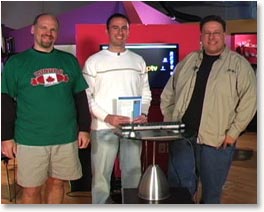
This time the guys show an automatic way to crop and rotate picture from scanned photos, how to add a bit of ‘bling’ to your images using glints, the ins and outs of threshold layers masks and how to use layers to make a weather-beaten sign.

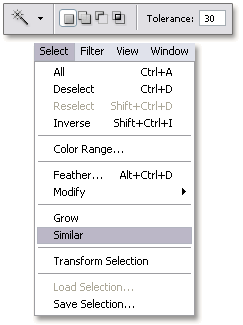 The Similar command works with selections and allows you to include pixels throughout the image, not just adjacent ones, falling within the tolerance range.
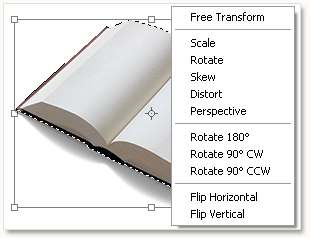 If you want to free transform an image or part of it, use the shortcut Ctrl + T ( Command + T on the Mac) and right click inside the bounding box ( Control + click on the Mac) to bring up a window in wich you can select your prefered transformation.

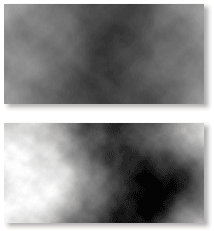 If you prefer more contrast with Photoshop’s clouds filter, then try this; hold down the Alt key (options key on the Mac) and select Filter / Render /Clouds. This also work with Difference Clouds.


